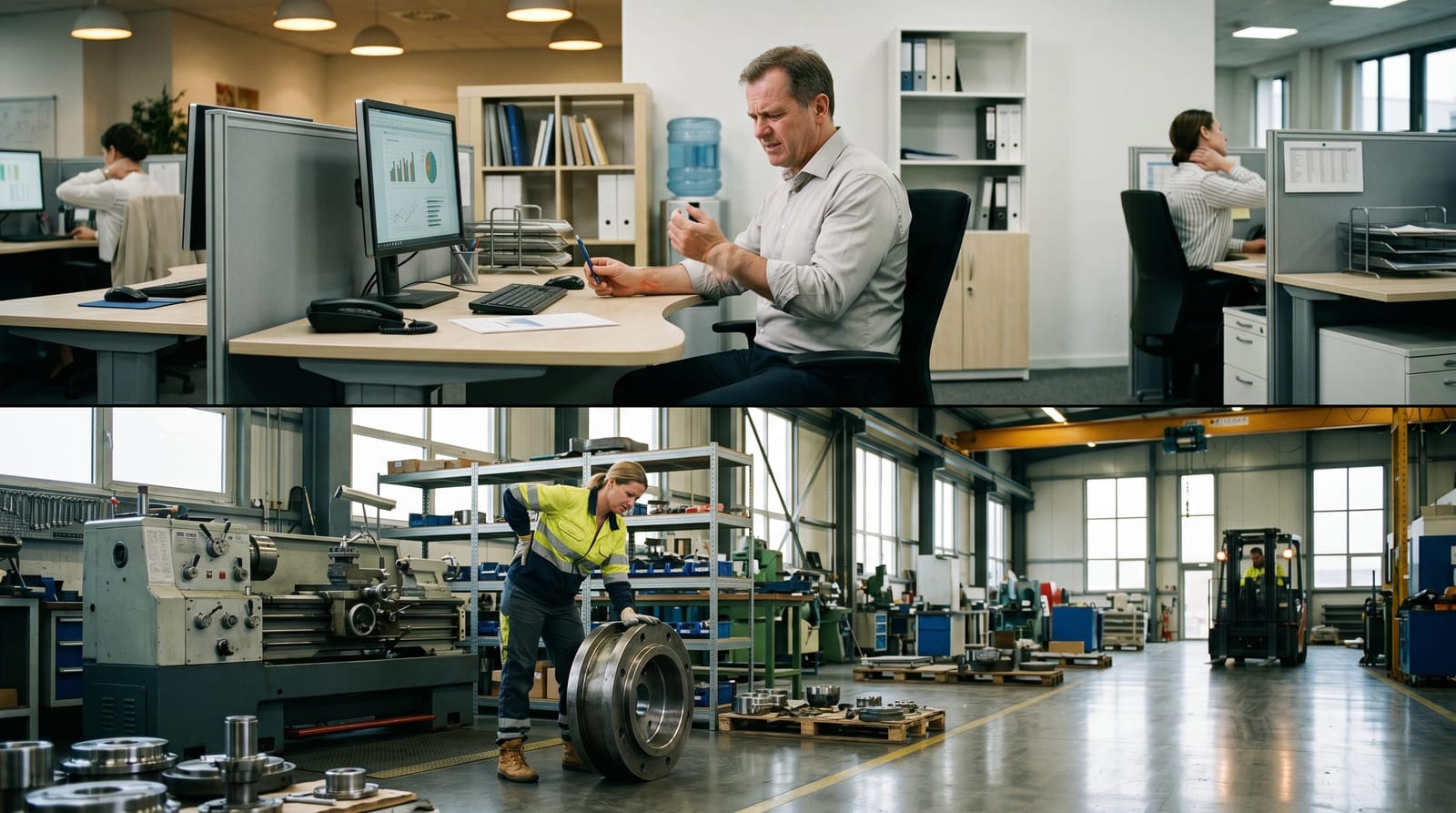
Ergonomic Desk Setup: Preventing Repetitive Strain Injuries
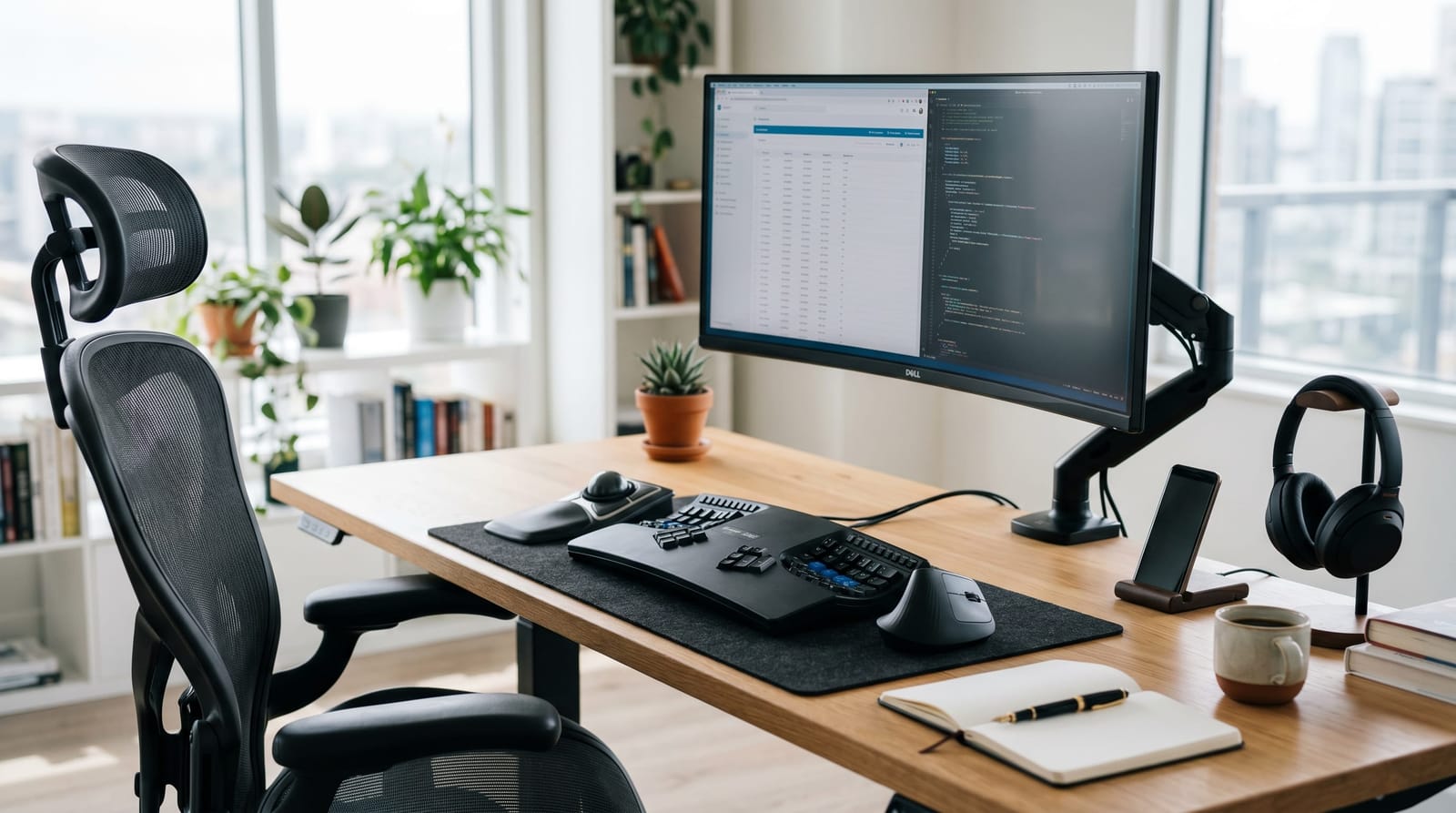
In today's fast-paced work environment, where productivity is paramount, a proper ergonomic desk setup is essential for preventing repetitive strain injuries (RSIs). This guide will provide you with actionable steps to create an ergonomic workspace that minimizes discomfort and enhances efficiency. Whether you're working in an office or from home, mastering desk ergonomics is crucial for maintaining peak performance.
Understanding Ergonomics: The Foundation of a Healthy Workspace
Ergonomics is the science of optimizing your workstation to fit your needs, reducing strain and improving comfort. An ergonomic desk setup involves arranging your equipment to maintain a neutral body posture that minimizes stress on muscles and joints. The goal is to prevent musculoskeletal disorders (MSDs), which are common in high-earning professionals who spend long hours at their desks.
Key components of an ergonomic setup include the correct positioning of your monitor, keyboard, chair, and desk. By aligning these elements with your natural body posture, you can significantly reduce the risk of RSIs, such as carpal tunnel syndrome and neck strain.
Setting Up Your Desk: Step-by-Step Guide
Creating an ergonomic desk setup is a straightforward process if you follow these steps:
Monitor Placement
- Position your monitor at eye level, about an arm's length away. This helps reduce neck strain by keeping your head in a neutral position.
- If using multiple monitors, arrange them side by side with the primary screen directly in front of you.
Keyboard and Mouse Positioning
- Place your keyboard and mouse at elbow height to keep your wrists straight and relaxed.
- Use a keyboard tray if necessary to adjust the height and angle.
- Consider using an ergonomic keyboard and mouse to reduce strain on your hands and wrists.
Chair Adjustment
- Choose a chair with adjustable height, backrest, and armrests to support a neutral spine position.
- Your feet should rest flat on the floor, with knees at a 90-degree angle. Use a footrest if needed.
- The chair's backrest should support the natural curve of your lower back.
Incorporating Sit-Stand Desks: A Dynamic Solution
Sit-stand desks are an excellent addition to any ergonomic workspace. They allow you to alternate between sitting and standing, which can help reduce the risk of RSIs and improve circulation. Here's how to use them effectively:
- Set your desk height so that your elbows are at a 90-degree angle when typing.
- Switch between sitting and standing every 30 to 60 minutes to keep your body active.
- Ensure your monitor and keyboard are at the correct height in both positions.
By integrating a sit-stand desk, you can enhance your ergonomic setup and promote a healthier work routine. For more about how ergonomics can improve workplace performance, explore our guide on work injury treatment in Los Angeles.
Implementing Postural Strategies and Regular Breaks
Maintaining good posture is critical to preventing RSIs. Here are some strategies to keep in mind:
- Keep your shoulders relaxed and elbows close to your body.
- Avoid slouching by sitting with your back against the chair's backrest.
- Take regular breaks: Stand, stretch, and walk around at least once every hour.
Regular breaks not only help prevent RSIs but also enhance mental clarity and productivity. For more tips on maintaining a healthy work-life balance, visit our workplace injury treatment resource page.
FAQ: Common Questions About Ergonomic Desk Setups
What is the ideal desk height for an ergonomic setup?
The ideal desk height allows your elbows to be at a 90-degree angle when typing. This typically ranges from 28 to 30 inches for most people. However, adjustable desks are recommended for customized ergonomic solutions.
How can I reduce eye strain when working at a computer?
To reduce eye strain, follow the 20-20-20 rule: every 20 minutes, look at something 20 feet away for at least 20 seconds. Additionally, ensure your monitor is at the appropriate height and distance.
Are ergonomic chairs worth the investment?
Yes, ergonomic chairs provide essential support for maintaining a neutral posture, reducing the risk of back pain and improving overall comfort, which can enhance productivity and focus.
How often should I replace my ergonomic equipment?
It's recommended to assess your ergonomic equipment annually for wear and effectiveness. Replace items as needed to ensure continued support and comfort.
Conclusion: Investing in Your Health and Productivity
An ergonomic desk setup is a critical investment in your health and productivity, especially for high-earning professionals who spend extensive hours at their desks. By optimizing your workspace with the right equipment and practices, you can prevent repetitive strain injuries and maintain peak performance. For a comprehensive approach to managing workplace-related injuries, explore our work injury treatment solutions in Los Angeles.
```