Ergonomic Desk Setup for Herniated Disc Patients: A Step-by-Step Guide
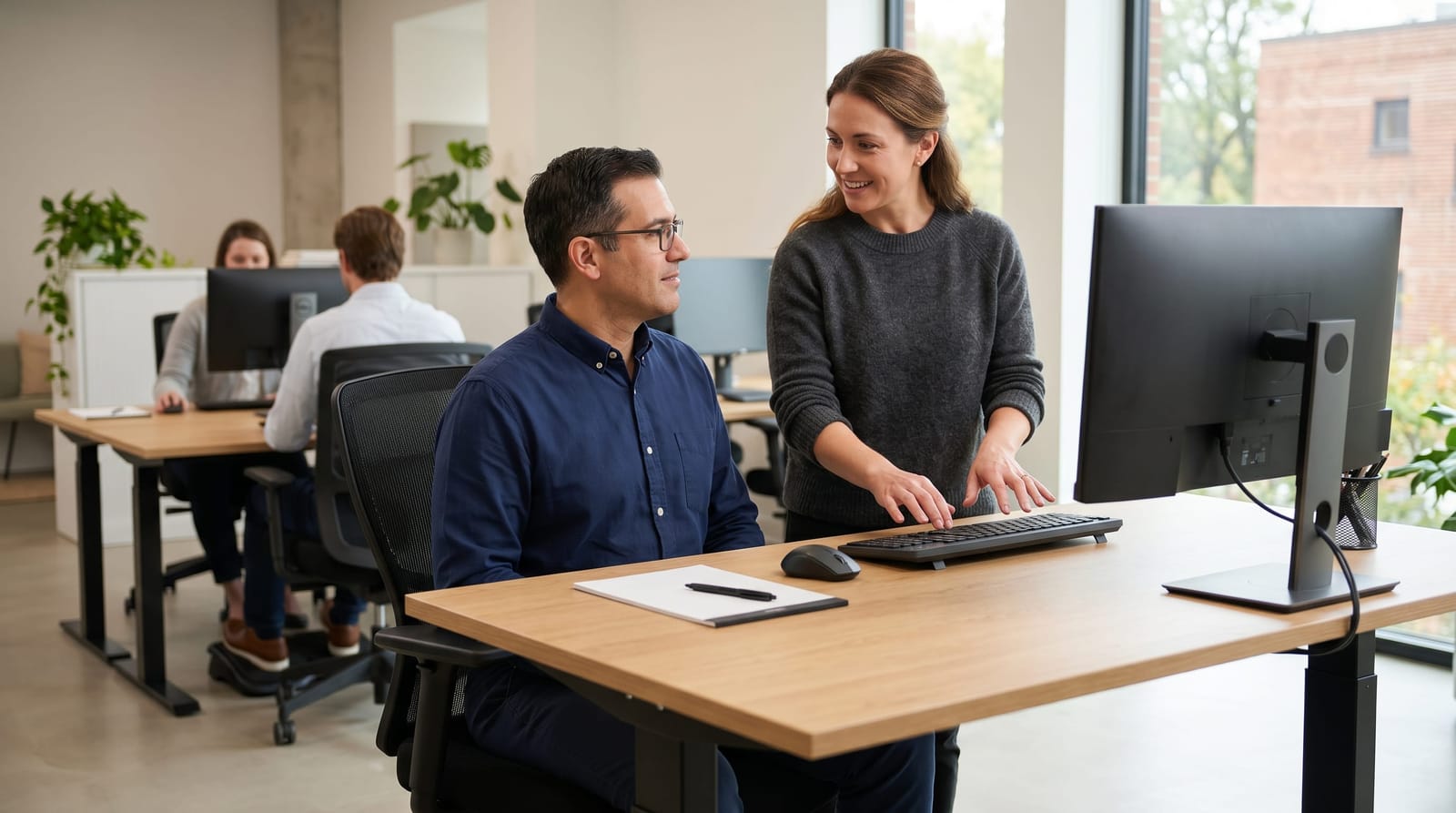
If you're managing a herniated or bulging disc and spending eight or more hours a day at a desk, your workstation setup matters more than you might realize. Poor posture and misaligned workspace positioning can place unnecessary pressure on spinal discs, making an already uncomfortable situation harder to manage. This step-by-step ergonomic desk setup guide is designed specifically for desk workers who want to support their spine throughout the workday, without overhauling their entire office or spending a fortune on equipment.
Why an Ergonomic Desk Setup Matters for Disc Health
Research suggests that prolonged sitting increases intradiscal pressure significantly compared to standing: some studies estimate that seated posture places up to 40% more load on the lumbar spine than standing. For someone navigating disc problems, that adds up quickly over the course of a workday.
The good news is that a thoughtful ergonomic desk setup doesn't require a complete office renovation. Small, deliberate adjustments to chair height, monitor position, and keyboard placement can meaningfully reduce the physical strain your spine experiences during long work sessions. Understanding the difference between a herniated disc vs bulging disc can also help you appreciate why spinal loading and posture are so closely connected to your day-to-day comfort.
The goal of an ergonomic desk setup isn't to eliminate all discomfort: it's to reduce unnecessary strain so your body isn't working against itself while you work. Think of it as creating a neutral, supported environment for your spine to function in throughout the day.
Step-by-Step: Building Your Ergonomic Desk Setup
Follow these steps in order. Each adjustment builds on the last, so working from the ground up, literally, gives you the most consistent results.
Step 1: Set Your Chair Height First
Your chair is the foundation of your ergonomic desk setup. Adjust the seat height so that:
- Your feet rest flat on the floor (or on a footrest if needed)
- Your knees are at approximately a 90-degree angle
- Your thighs are roughly parallel to the floor
- There is no pressure cutting into the back of your thighs
If your chair doesn't offer lumbar support, add a small rolled towel or a lumbar cushion positioned at the natural curve of your lower back: roughly 2 to 4 inches above your seat cushion. This is one of the simplest and most impactful upgrades for disc patients specifically.
Step 2: Position Your Keyboard and Mouse
Once your chair is set, adjust your desk or keyboard tray so that:
- Your elbows are bent at approximately 90 degrees
- Your forearms are parallel to the floor or angled slightly downward
- Your wrists remain straight, not bent up or down, while typing
- Your mouse sits at the same level as your keyboard, within easy reach
Reaching forward or upward repeatedly throughout the day shifts weight forward on your spine, which contributes to that familiar end-of-day ache many desk workers experience.
Step 3: Align Your Monitor at Eye Level
Monitor height is one of the most commonly overlooked elements of an ergonomic desk setup, and one of the most important for spinal alignment. Position your monitor so that:
- The top of the screen is at or just slightly below eye level
- The screen sits 20 to 26 inches from your face (roughly arm's length)
- The screen is tilted back 10 to 20 degrees to reduce neck strain
- You are not twisting your neck to one side to view the screen
If you use a laptop, consider pairing it with an external keyboard and a monitor riser or laptop stand. Laptop screens are almost always too low for sustained desk use, encouraging the forward head posture that places significant load on the cervical spine.
Step 4: Organize Your Desk to Support Neutral Posture
Your ergonomic desk setup extends beyond the monitor and chair. The arrangement of everything on your desk influences how often you reach, twist, or crane your neck throughout the day. A few practical adjustments:
- Place frequently used items, your phone, notepad, water bottle, within arm's reach without leaning
- If you take handwritten notes, position the notepad directly in front of you or use a document holder next to your monitor
- Use a headset or speakerphone rather than cradling your phone between your ear and shoulder
- Keep cables organized and out from underfoot to avoid unconscious postural compensation
The Case for a Sit-Stand Desk
If you have the option, a sit-stand desk is one of the most valuable ergonomic investments for anyone managing disc-related discomfort. Alternating between sitting and standing throughout the day helps vary spinal loading, reduce sustained pressure on any one area of the lumbar spine, and keep circulation moving.
A practical approach many spine specialists and wellness providers recommend is the 30-20-10 guideline: for every hour, aim for roughly 30 minutes sitting, 20 minutes standing, and 10 minutes of light movement. Even if a sit-stand desk isn't in your budget, setting a timer to stand and walk for 2 to 3 minutes every 45 minutes can make a meaningful difference in how your back feels by the end of the workday.
Learning more about posture and its connection to disc health can help you understand why movement variety throughout the day supports long-term spinal wellness.
Common Ergonomic Mistakes Disc Patients Make
Even well-intentioned desk setups sometimes fall short. Here are the most frequent ergonomic desk setup mistakes that tend to affect people managing disc issues:
- Sitting too far back in the chair: leaving a large gap between the lumbar support and your lower back, negating its benefit entirely
- Monitor too low: encouraging a forward head position, where every inch the head moves forward adds an estimated 10 pounds of effective load on the cervical spine
- Chair too high or too low: causing compensatory postures throughout the hips, pelvis, and lumbar spine
- Working from the couch or bed: no matter how comfortable it feels in the moment, unsupported soft surfaces are consistently poor for disc patients during work sessions
- Ignoring the floor: feet dangling unsupported cause pelvic tilt that affects lumbar curvature throughout the entire workday
Pairing your ergonomic desk setup with professional guidance on core strengthening exercises for disc support can further reinforce the work you're doing at your desk by building the muscular foundation your spine relies on.
Frequently Asked Questions
What is the most important part of an ergonomic desk setup for someone with a herniated disc?
Chair setup tends to have the greatest impact because it establishes the foundation for everything else. Getting your seat height, lumbar support, and foot position right first makes it easier to align the rest of your workspace correctly. Lumbar support that maintains the natural curve of your lower back is particularly relevant for disc patients.
How often should I take breaks from sitting if I have a disc problem?
Most wellness and ergonomic guidelines suggest taking a brief movement break every 30 to 45 minutes of continuous sitting. Even standing up and walking for 2 to 3 minutes helps change the pressure distribution on spinal discs. A simple phone reminder or a dedicated app can help make this a consistent habit.
Is a standing desk better than a sitting desk for disc issues?
Neither prolonged sitting nor prolonged standing is ideal on its own. The research consistently points to movement variety, alternating between sitting, standing, and walking, as more beneficial than any single static position. A sit-stand desk makes this easier, but the same principle can be applied with regular scheduled movement breaks even at a fixed desk.
Can an ergonomic desk setup replace professional care for my disc condition?
An ergonomic desk setup is a supportive tool, not a substitute for professional evaluation and care. It helps reduce day-to-day strain and create a more spine-friendly environment, but individualized guidance from a qualified provider remains important for anyone managing a disc condition. If you're unsure where to start, a postural assessment can offer personalized direction.
Bringing It All Together
An ergonomic desk setup isn't about perfection: it's about reducing the cumulative strain your spine absorbs during the hours you spend working. By adjusting your chair, keyboard, monitor, and desk organization in the sequence outlined here, you're giving your body a more supportive environment to work in each day. For West LA professionals spending long hours at a desk while managing disc-related discomfort, these changes are a practical, accessible starting point. Combine your improved workstation with movement breaks, appropriate exercise, and professional support, and you're building a genuinely comprehensive approach to daily spinal wellness.